Use digital signatures to approve or sign documents securely within the platform. You can create your own signature in digital form, request signatures from colleagues, and manage authorisations for shared usage.
Feature access
This feature is available to all ProductIP users across all plans.
Before you begin
Use a mouse or mobile device to draw your signature. Ensure your name is entered in alphabet characters.
Video instructions
A short step-by-step guide will follow soon!
Steps
Add your own signature
- Go to the wrench icon in the top right corner. A menu appears.

- Click on My Profile.
- Click Signatures.
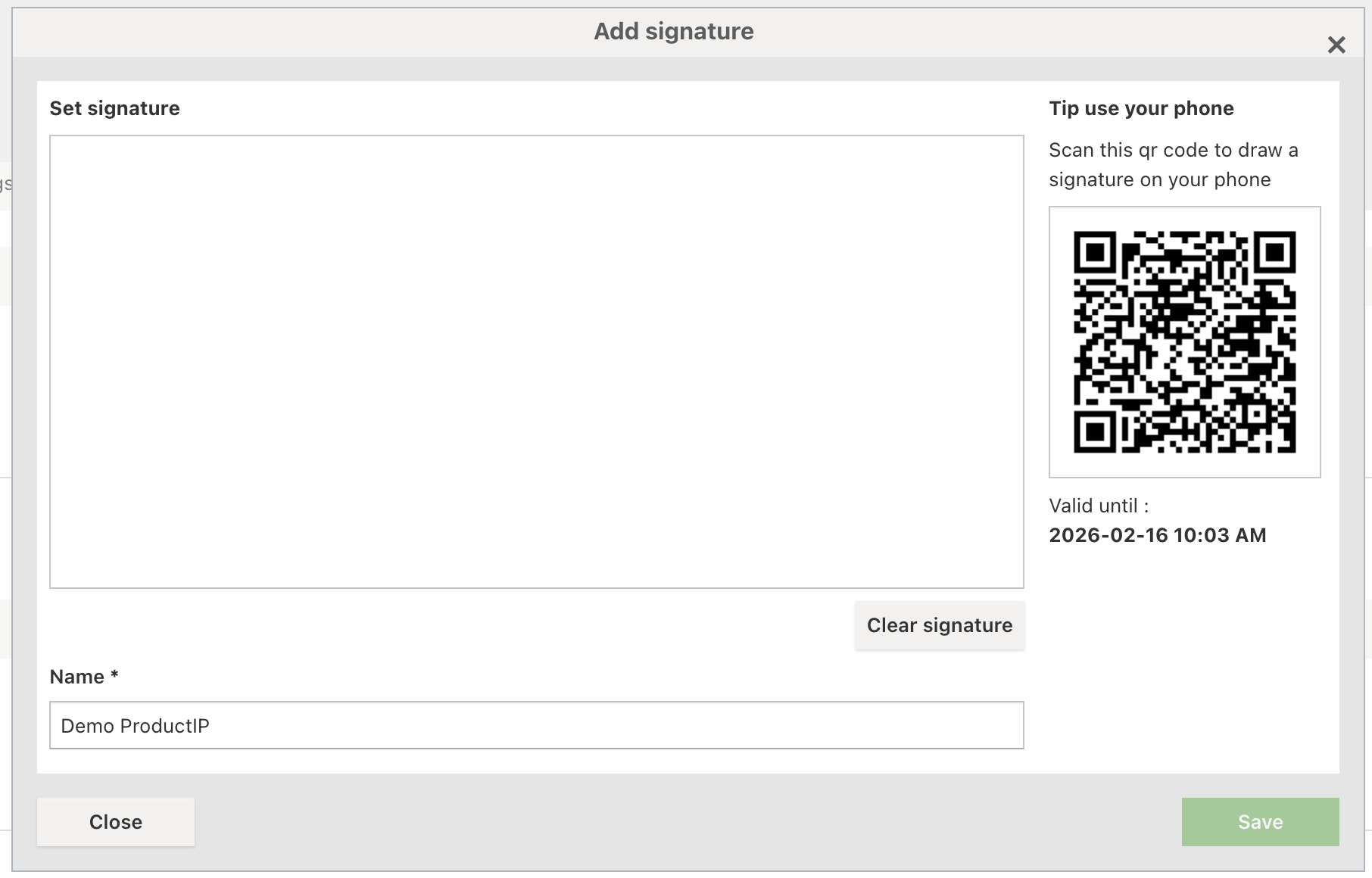
- Click Add signature.
- Draw your signature in the field using your mouse, or scan the QR code on the right side to draw your signature on your mobile phone.
- Click Clear signature to reset if needed.
- Enter your Name (required) in alphabet characters.
- Click Save.
Request a signature from someone else
- Click on My Profile.
- Click Signatures.
- Click Request signature.
- Enter Name, Email, and Messages (required).
- Click Send request.
The requested signature appears under Pending request.
Once authorised, it will appear under the Owner of Authorized signatures.
Manage authorisation
- Click on My Profile.
- Click Signatures.
- Click the three dots on the right side of the user list or select the checkbox of the user.

- Click Manage authorisation.
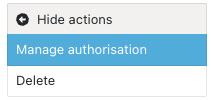
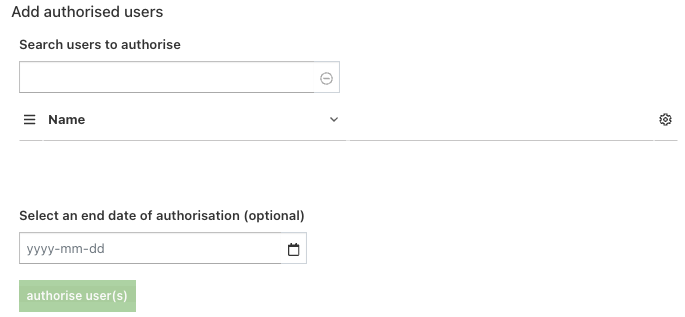
- Add authorised users using the search field. Please note that you can only authorise users in the same Company account.
- Select an end date of authorisation (optional). After the expiry date, the valid period must be renewed.
- Click Authorise user(s).
- The authorised user (and expiry date) appears on the right side and under the Owner of Authorized signatures.
- Select the checkbox or click the three dots to edit the expiry date or revoke authorisation.
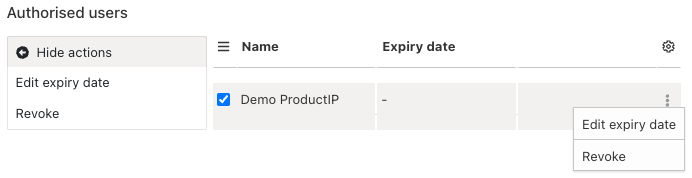
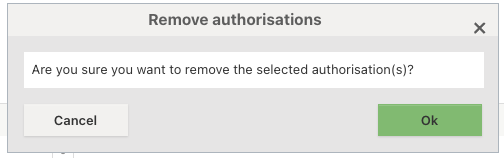
- Select the checkbox of the Owner to delete the authorised signature.

Tips and best practices
- Keep your signature simple and clear for better visibility on documents.
- Regularly review authorised users and remove unnecessary access.
- Set expiry dates for better control over authorisations.
Troubleshooting
- Signature not saving?
Ensure your name is entered and click Save after drawing. - Signature request still pending?
Ask your colleague to check their e-mail and approve the request.
Still having issues? Contact ProductIP via helpdesk@productip.com.
FAQ
- Can I use someone else’s signature?
Yes, but only after they authorise you to use it.
Related articles
Manage your profile
Create and sign the EU Declaration of Conformity (DoC)
Was this article helpful?
That’s Great!
Thank you for your feedback
Sorry! We couldn't be helpful
Thank you for your feedback
Feedback sent
We appreciate your effort and will try to fix the article